How to Relieve Wrist Strain at Your Desk: A Practical Guide
Small changes to your keyboard, mouse, and break habits can take pressure off your wrists and keep typing comfortable all day.
Aching, tight, or tingling wrists are a common complaint after hours of typing and mousing. If you have started to notice wrist strain at your desk, your body is giving you useful feedback: the way you work is asking too much of a small group of joints and tendons.
The good news is that most day-to-day discomfort responds to practical changes. You do not need special equipment or a long routine. You need a neutral wrist position, less sustained force, and frequent short breaks.
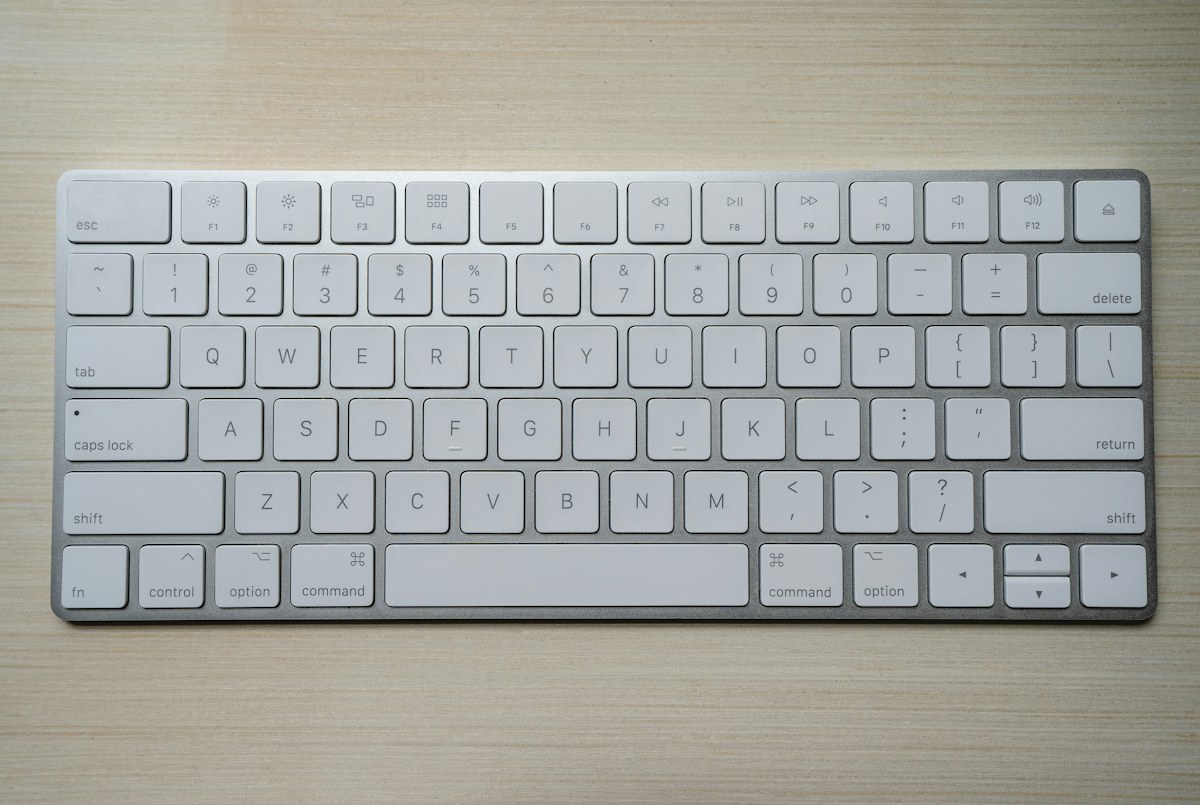
Why desk work strains your wrists
Typing and mousing involve thousands of small, repeated movements. Strain tends to build when three things combine: repetition, awkward angles, and tension. Bent-back wrists, a mouse that sits far away, and a tight grip on the mouse all add load.
Posture matters too. When your shoulders creep up or your elbows drift away from your sides, your forearms and wrists work harder to reach the keys. That is why a wrist-friendly setup starts with your whole arm, not just your hands.
A low-friction reset
Right now, drop your shoulders, let your elbows rest by your sides, and shake out your hands for ten seconds. Then place your fingers on the keys again and notice whether your wrists sit in a straight line with your forearms.
Set up your keyboard and mouse for neutral wrists
Aim for a straight line from your elbow through your wrist to your knuckles. Your elbows should stay close to your body and bend to roughly 90 degrees or a little more. Try these adjustments:

- Keep the mouse close. Place it right beside the keyboard so you are not reaching forward or outward.
- Float, do not press. Rest your hands lightly while typing instead of anchoring your wrists on the desk edge for long periods.
- Type lightly. Heavy keystrokes and a tight mouse grip add force you do not need.
- Check your height. If your desk is too high, raise your chair or use a footrest so your shoulders can relax.
- Use shortcuts. Keyboard shortcuts reduce repeated mouse clicks and scrolling.
If you work on a laptop, an external keyboard and mouse make a big difference because you can position them at a comfortable height. For a full workstation review, see our home office ergonomics guide.
Try these quick wrist stretches between tasks
Gentle movement helps your hands and forearms recover from sustained positions. Move slowly and stop if anything feels sharp or painful.
- Prayer stretch: Press your palms together at chest height and lower your hands slowly until you feel a mild stretch. Hold for 15 to 20 seconds.
- Forearm stretch: Extend one arm with your palm up, then use the other hand to gently pull your fingers down. Hold for 15 seconds, then switch.
- Wrist circles: Make slow circles in each direction, about 10 each way.
- Open and close: Make a loose fist, then spread your fingers wide. Repeat 10 times.
Pair these with a short walk or a 2-minute desk stretch to ease your neck and shoulders too. Tension anywhere along the arm can show up in the wrist.
Build wrist breaks into your workday
Frequency beats intensity. A few seconds of rest every 30 minutes does more than one long stretching session at the end of the day. Attach the break to something you already do, such as sending an email, finishing a meeting, or refilling your water.
Vary your tasks when you can. Switch between typing, reading, and phone calls so your hands are not in the same position for hours. Dictation or a different mouse hand for short stretches can also spread the load. Even a quick glance away from the screen while you shake out your hands counts as a reset, so do not wait for a perfect moment to pause.
When to get professional advice
Mild stiffness that eases with breaks is common. Numbness, tingling, weakness, night-time symptoms, or pain that lasts for more than a couple of weeks deserve attention. Talk with a doctor or physical therapist, who can check for conditions such as carpal tunnel syndrome and recommend the right treatment. This article is general guidance, not medical advice.
Your practical checklist
Keep your wrists straight, bring your mouse close, type and click lightly, stretch gently every 30 minutes, and vary your tasks. Pick one change to try today and add another tomorrow.